Search for a call notes template and you get printable log sheets. Columns for date, time, caller, number, message, and a tick box marked “returned”. They are designed for a receptionist taking messages on behalf of somebody else, and most of them look like they were drawn in 1994.
That is a real job. It is not your job, though, if you are the person who takes the call, makes the promise and has to remember it in April.
What follows is the template I actually use, which fits on one line, plus a printable version for anyone who wants paper. Take whichever suits you and ignore the rest.
The two things people mean by a call notes template
Half the confusion in this topic comes from one word covering two jobs.
A call log records that a call happened. Date, time, who rang, what they wanted, whether somebody called back. Teams need these, receptionists need these, and compliance sometimes requires them.
A contact note records what you now know about a person. Not that Tuesday’s call occurred, but what they want, what you promised and where you left off.
Both are useful. However, only the second one helps when the phone rings again six weeks later, because that is the moment you need context rather than a history of events.
Most templates you find solve the first problem. The rest of this post solves the second.
The call notes template that fits on one line
Here it is. Copy it, paste it wherever you keep contact notes, and fill in the blanks.
[Who they are to you] — [what they want, with numbers] — [what you promised] — [next step]
Four slots, one line, roughly forty seconds of typing. The order matters, because you read it left to right in the two seconds before you answer, and the first slot is the one that places the person.
Three filled examples, so you can see the shape:
- Buyer — 2-bed, ground floor only, budget 48M — sent Rose Street, Oak Avenue — viewing booked, waiting on her Friday answer
- Seller — 3-bed craftsman, wants 775, relocating and motivated — promised two comps — my move, by Thursday
- Supplier, kitchens — quotes in 5 days, 10% trade discount — nothing promised — call when the Maple job signs
Notice how much is missing. No date, no call duration, no summary of the conversation, no paragraph about how the chat went.
Why each slot earns its place
Who they are to you. Buyer, seller, supplier, lender, the neighbour who keeps asking about prices. One word, and it tells you which version of yourself to be before you speak.
What they want, with numbers. Budgets, bedrooms, dates, discounts. Numbers are what you forget first and what people most expect you to remember.
What you promised. This is the slot that protects you. An unmet promise does more damage to a relationship than a slow reply ever will.
Next step. Whose move it is, and roughly when. Without it, the note describes the past instead of pointing at the future.
The printable call notes template
Some people want paper, and paper has one real advantage: it works while you are on the phone, which an app on that same phone cannot.
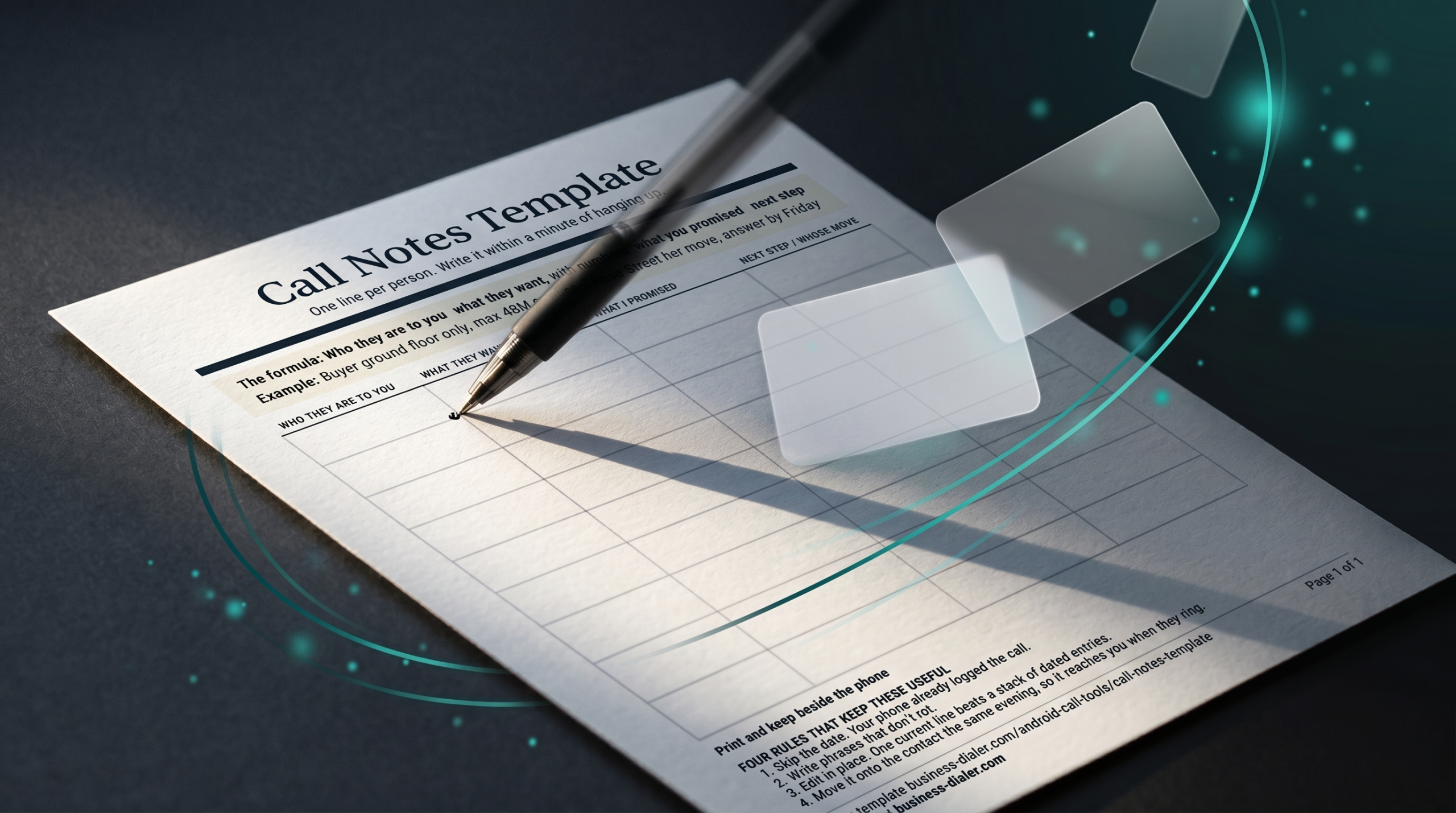
So I made a one-page version with twelve rows, the four columns above, and the rules printed at the bottom. Download the printable call notes template (PDF), hit print, and keep a stack beside the desk phone.
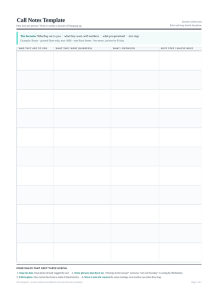
Use it as a capture sheet rather than as the archive. Scribble during the call, then move the line onto the contact that evening, because a sheet of paper cannot show you anything when the phone rings next month.
A bad note and a good note, side by side
Most people’s first attempt looks like this:
Spoke to Anna about the flat, seemed keen, nice lady, will follow up.
Read it back in March and count what you can act on. Which flat? Keen enough to offer, or keen enough to look again? Follow up with what, and by when? The note records that a conversation happened, which you already knew from the call log.
Now the same call through the template:
Buyer — ground floor only, max 48M, mother’s knees — sent Rose Street — her move, answer by Friday
Same forty seconds of typing. Yet this version tells you how to open the call, what to send if she says no, and whether you are waiting on her or she is waiting on you.
The difference is not effort. It is that the second note was written for your future self rather than as a record of your past diligence.
Where you keep it decides whether it works
A perfect note in the wrong place is a wasted forty seconds.
The test is simple. When that person rings you next, does the note appear by itself, or do you have to go looking for it?
Notes apps fail that test, since they need you to know a name you may not have caught yet. Spreadsheets fail harder. A CRM passes only if it runs on your phone and you actually open it mid-ring, which almost nobody does.
Your contacts app passes, because the note sits on the person rather than in a file, and your phone already looks the person up when they call. I went through the options in detail in phone call notes, what to write and where to keep them.
Which app can show you that note before you answer depends on the handset, and I compared the four Android options in call notes on Android, four things with one name.
What to leave out of a call notes template
Templates fail by being too generous. Every field somebody adds is a field you have to fill in at four o’clock on a Friday, and the ones below earn nothing.
Date and time. Your phone already logged the call. Writing the date again is admin theatre.
Call duration. Nobody has ever made a better decision because a call lasted eleven minutes.
A summary of the conversation. Three sentences about tone and small talk will not be read again. If you need the words, you need a recording, which is a separate job with separate rules.
Sentiment or temperature ratings. Hot, warm, cold. These age badly and flatter whoever wrote them.
Anything you worked out rather than heard. Notes about a client’s finances that they never mentioned to you belong nowhere near their contact card.
The four-field rule
Keep the template at four slots for a month before adding a fifth. Discipline comes from the form being short enough to finish, and an abandoned eight-field template beats nothing by exactly zero.
After that month you will know which slot you keep leaving blank. Cut it, rather than promising yourself you will be better about filling it in.
Adapting the template to your trade
The four slots hold for anybody who sells through conversations, although the vocabulary changes.
Insurance agents. Who they are becomes the policy type and renewal month. The numbers slot carries the premium and the excess, since those are the figures clients quote back at you.
Mortgage and loan officers. Stage replaces type: pre-approval, in underwriting, waiting on documents. Then the promise slot usually holds a document you owe them or a rate you quoted.
Trades and contractors. Job address comes first, because that is how you think about people. The numbers slot holds the quote, and the next step is nearly always whether you are waiting on a decision or they are waiting on a date.
Whatever the trade, resist adding a fifth slot for something that applies to one client in twenty. Put that in the body of the contact instead, where it can be as long as it likes.
Rules that keep a note useful six months later
Writing the note is the easy half. Making it survive is where most systems quietly collapse.
Write phrases that do not rot. “Waiting on her answer” stays true for weeks. “Will call Tuesday” is wrong by Wednesday and misleading by Friday.
Edit in place rather than appending. One current line beats a stack of dated entries you have to read in order. Overwrite the next step each time it changes.
Delete what has finished. When the deal closes, cut the note down to what is still true: who they are, what they bought, what they might want next.
Check before you deploy. Reading a note aloud six months on is risky if you have not glanced at the date it was written. Circumstances move, and few things land worse than asking about a job somebody left in June.
Filling it in while you are still talking
Typing during a call is harder than the advice articles admit, especially one-handed on a phone.
Two approaches work. Either capture four scrawled words on paper and type the line afterwards, or say the slots aloud as a summary at the end of the call: “so, ground floor only, under 48, and I will send you two by Thursday.” That sentence confirms the facts with the other person and writes your note for you at the same time.
The second approach has a side benefit. People hear it as thoroughness, and the research on client trust says they are reading it as proof that you listened, which the psychology post goes into properly.
Backfilling the contacts you already have
Starting the template today leaves hundreds of older contacts blank, and that gap stops plenty of people before they begin.
Do not backfill everybody. Pick the twenty or thirty people most likely to ring you in the next year, and write what you remember for those alone.
Where memory gives you nothing, write nothing. An invented note is worse than an empty one, because you will trust it later and open a call with a fact that was never true.
The rest of the list fills itself in. Every contact who rings you gets a note that evening, so within a few months the people who matter all have one, selected by their own behaviour rather than by your guesswork.
When a call notes template is the wrong tool
Three situations, where I would tell you to stop reading and buy something else.
Several people need the same notes. A shared record means a real CRM, with permissions and a history of who changed what. Contact notes cannot do that, and pretending otherwise causes arguments later.
You need the exact words. Disputes, compliance, anything where the record has to be defensible. Record the call properly and keep the file.
You take five calls a week. Of course you will remember. Building a system around nine calls a month is a hobby rather than an improvement.
Should none of those describe you while the word CRM keeps coming up anyway, I set out every free personal CRM option and what each one really does.
Where my app fits
This is the part about my own product, so weigh it accordingly.
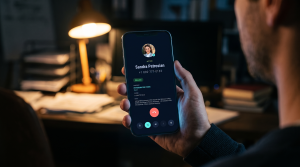
Business Dialer Call Notes shows the line you wrote on the incoming call screen, next to the person’s company and job title, before you answer. Notes live in your own Google Contacts rather than on my servers, so they sync to your other devices and stay yours if you ever delete the app.
It costs $9 a month, $49 a year or $99 once, after a 30-day trial, and it runs on Android only. The template above is free and works in any contacts app, which is rather the point: the format does the work, and the app only decides when you see it.
The short version
Most templates on this subject are message logs built for a front desk. Useful for a receptionist, useless to the person who made the promise.
Four slots cover everything that matters: who they are to you, what they want with numbers, what you promised, and whose move is next. Write it within a minute of hanging up, keep it on the contact rather than in a document, and phrase it so it stays true for months.
Then the next time that number appears on your screen, you open with the thing they told you in February, and the call starts somewhere better than “remind me, which house was it?”